Call: 07971891555( PIN:283)
 Send Inquiry
 Send Inquiry
LCD SLATE
Price 60.0 INR/ Piece
MOQ : 12 Pieces
LCD SLATE Specification
- Power
- Button Cell Battery (CR2025/CR2032)
- Age Group
- Kids, Students
- Product Type
- LCD Slate
- Material
- Plastic Frame with LCD Screen
- Color
- Black Frame, Green Writing Display
- Style
- Portable, Ultra-Slim
- Dimensions
- Approximately 8.5 inches (Diagonal)
- Function
- Writing and Drawing
- Operating Temperature Range
- 0C ~ 40C
- Water Resistance
- Splash Resistant
- Input Method
- Stylus or Finger Touch
- Weight
- Approx. 110 grams
- Screen Type
- No Backlight, Eye-friendly
- Display Technology
- Pressure-sensitive LCD
- Erase Function
- One-touch Erase Button
- Applications
- Memo Pad, Learning Tool, Office Note, Drawing Board
- Battery Life
- Up to 2 Years (Replaceable Battery)
- Portability
- Lightweight and Easy to Carry
About LCD SLATE
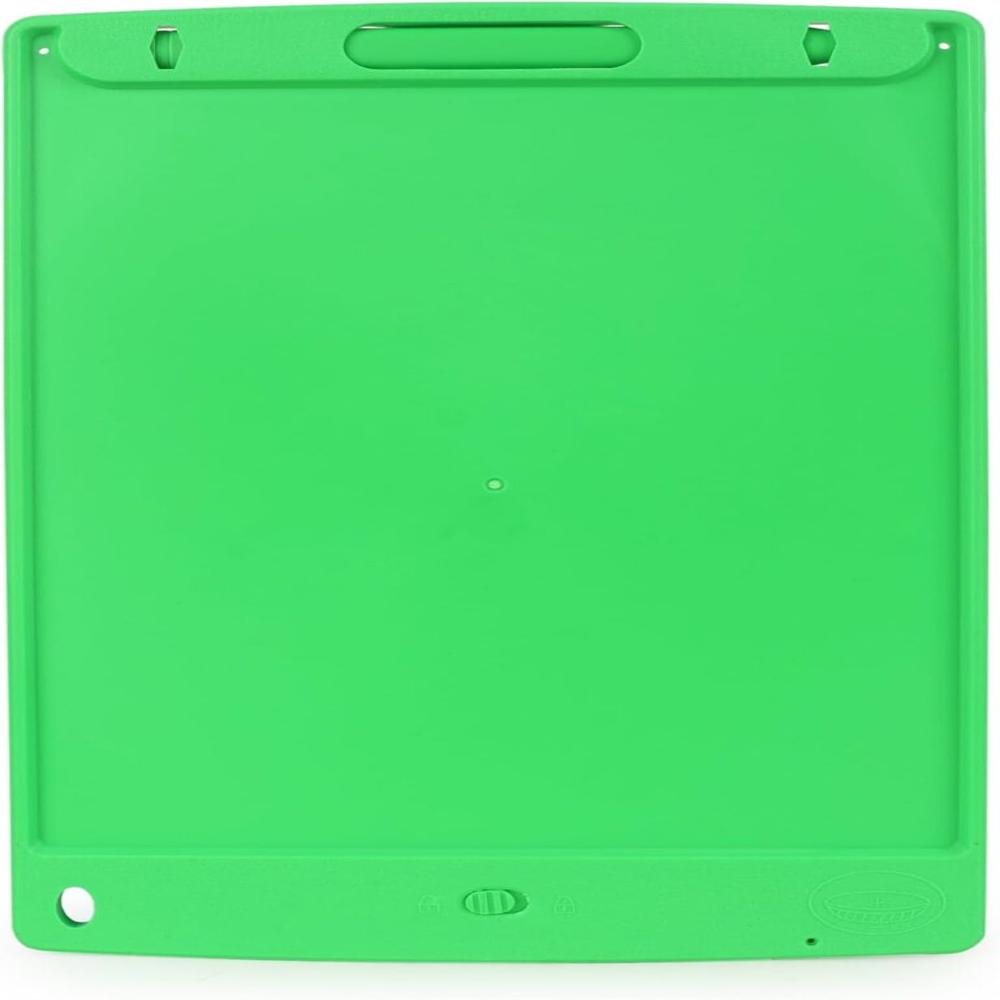
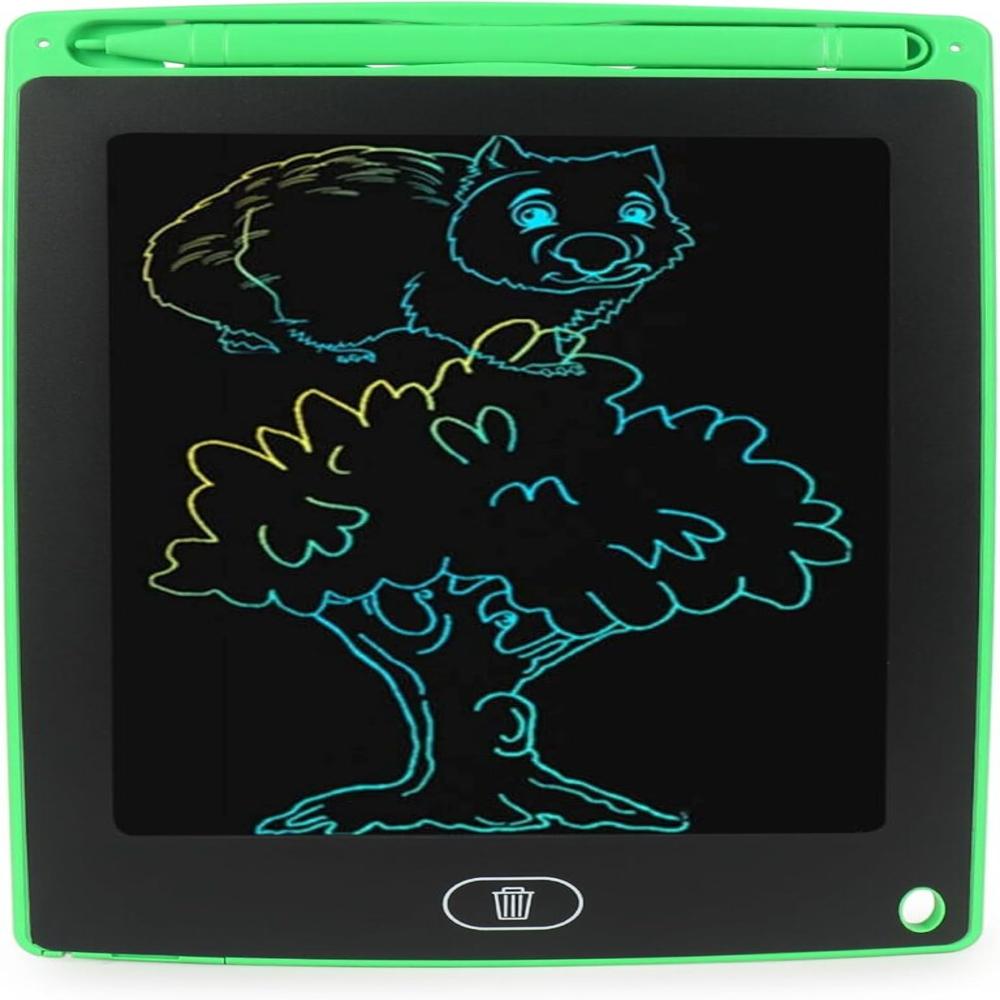
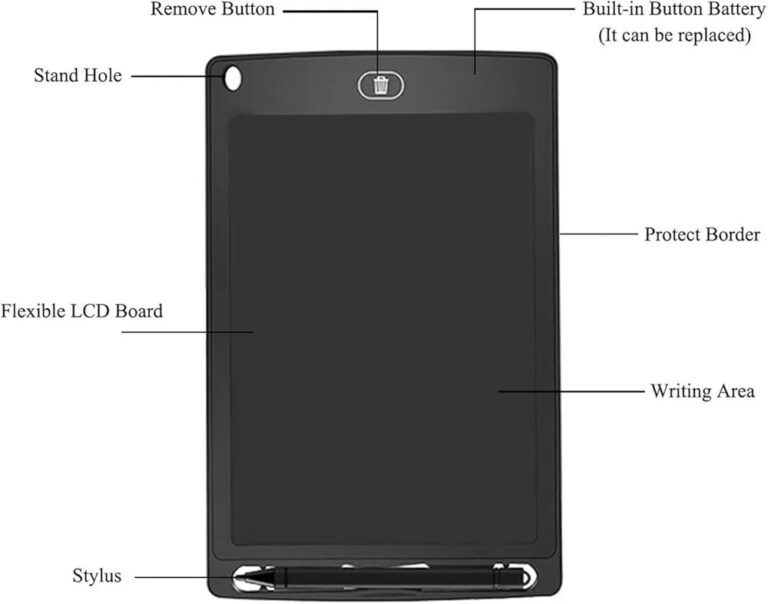
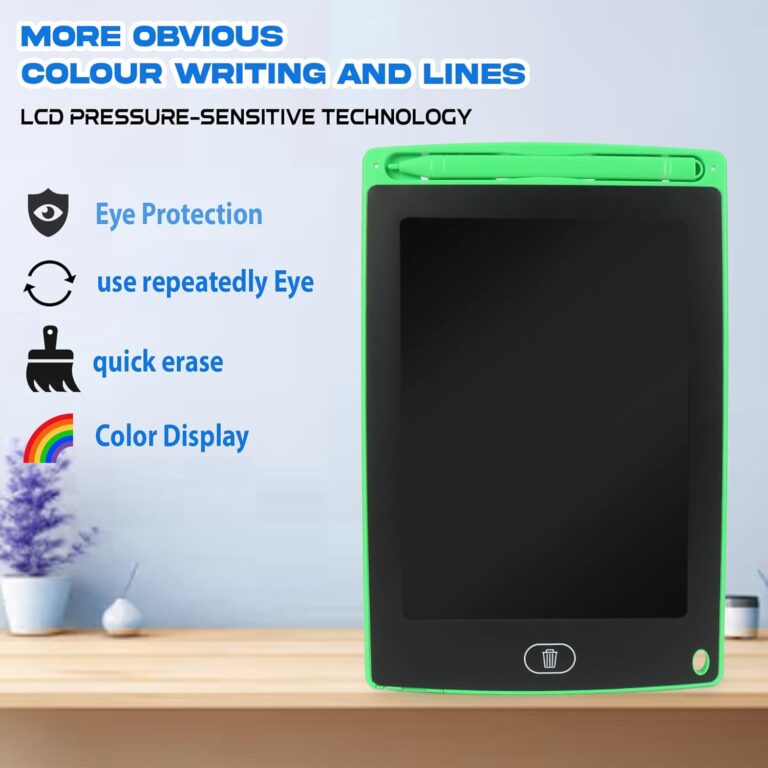
The product shown in the image is a digital writing tablet, identified as the model LCW12-EN.
Type: It is an electronic writing pad or e-writer that provides the feeling of writing on paper without the need for actual paper.
Functionality: It is designed for note-taking, drawing, and reminders. It typically comes with a stylus for writing on the screen.
Reusability: The screen can be written on and erased up to 10,000 times, making it a reusable and eco-friendly alternative to traditional notebooks.
Design: The tablet in the image features a green border and a dark writing surface. It is available in various colors.
II
Technology: It uses new technology that eliminates the need for ink or paper, contributing to environmental health.
Eye-Friendly, Backlight-Free Display
The LCD SLATE boasts a pressure-sensitive LCD screen with no backlight, resulting in a comfortable, natural writing experience that is gentle on the eyes. It's suitable for extended use by kids and students, reducing glare and preventing eye strain. The green writing display further enhances visibility, making text and drawings clear even under ambient light, without the need for power-hungry illumination.
Durability and Portability Combined
Constructed with a sturdy plastic frame and engineered to be splash resistant, the LCD SLATE is built to withstand daily challenges. Weighing approximately 110 grams and measuring about 8.5 inches diagonally, it is exceptionally lightweight and ultra-slim, making it easy to carry in school bags, briefcases, or handbags. Its versatile temperature tolerance ensures reliable operation across various environments.
FAQ's of LCD SLATE:
Q: How does the one-touch erase function work on the LCD SLATE?
A: The LCD SLATE is equipped with a dedicated button that allows you to erase the entire screen instantly. By pressing this one-touch erase button, you can clear all written or drawn content, making it ready for your next memo, sketch, or note.Q: What are some recommended ways to use the LCD SLATE in daily life?
A: This device can be used as a memo pad, learning tool for students, office note board, or drawing board for creative tasks. Its versatility makes it fit for taking quick notes, practicing handwriting, solving math problems, doodling, or planning tasks efficiently.Q: When should I replace the battery, and what type does it require?
A: The LCD SLATE runs on a standard button cell battery (CR2025 or CR2032), providing up to two years of usage under regular conditions. When the erase function stops working or the display fades, it's time to replace the battery, which can be done easily through the designated compartment.Q: Where can I use the LCD SLATE without worry?
A: Thanks to its portable, lightweight design and splash-resistant construction, you can carry and use the LCD SLATE in classrooms, offices, homes, or even outdoor locations like parks and cafes. Its robust frame ensures it can handle everyday bumps and minor spills.Q: What are the benefits of a backlight-free, pressure-sensitive LCD screen?
A: The absence of a backlight makes the LCD SLATE comfortable for the eyes, even with prolonged use. The pressure-sensitive technology captures natural writing gestures, offering a paper-like feel ideal for both children and adults while saving battery power for long-term use.Q: How is the LCD SLATE maintained and cleaned?
A: You can clean the LCD SLATE by lightly wiping the screen with a soft, dry cloth. Avoid using any harsh chemicals or water directly on the screen. Its splash-resistant feature protects against minor drips, but it's best to keep the device away from excessive moisture.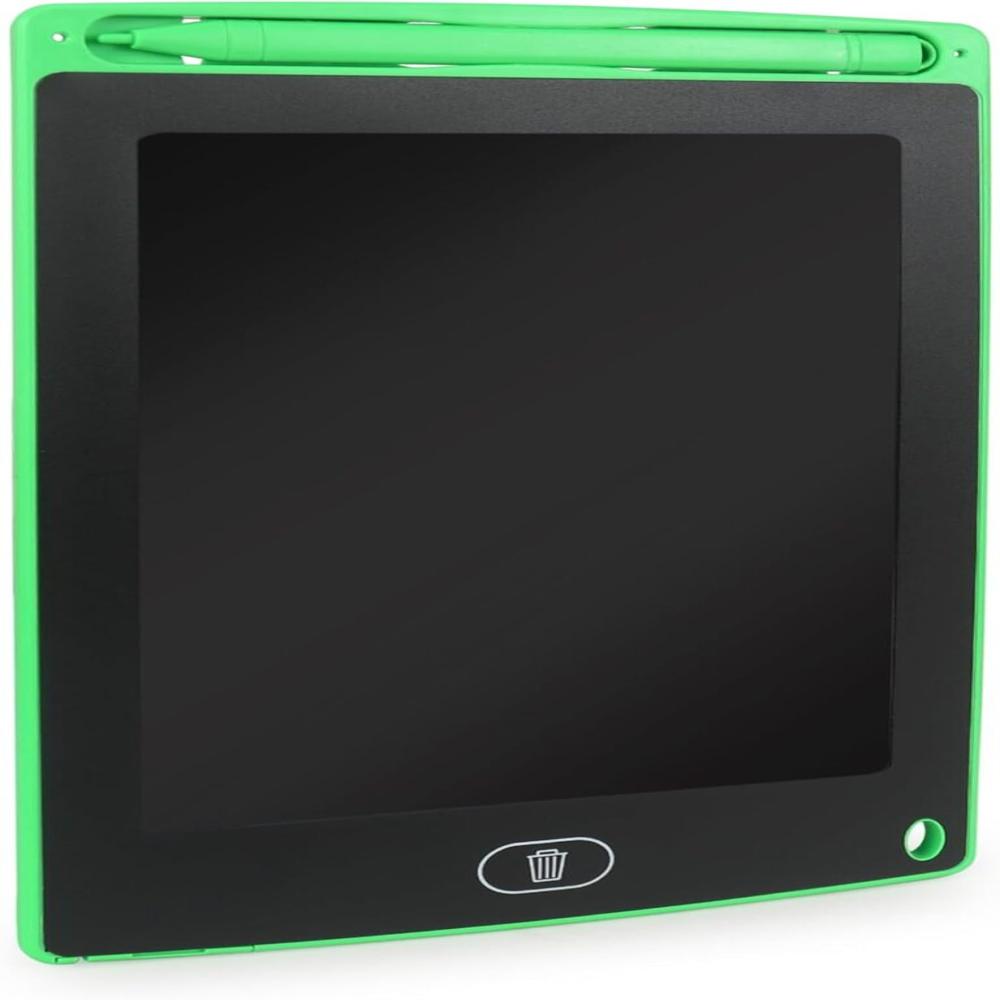
Tell us about your requirement

Price:
Quantity
Select Unit
- 50
- 100
- 200
- 250
- 500
- 1000+
Additional detail
Mobile number
Email

More Products in Learning and Educational Toy Category
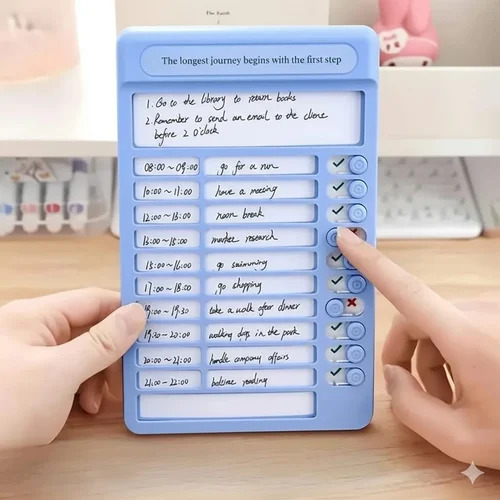
TASK NOTE TOY
Price 130.0 INR / Piece
Minimum Order Quantity : 12 Pieces
Age Group : Children (3 years and above)
Function : Daily Habit Tracking and Reward System
Dimensions : 8.5 INCH Inch (in)
Color : BLUE AND PINK
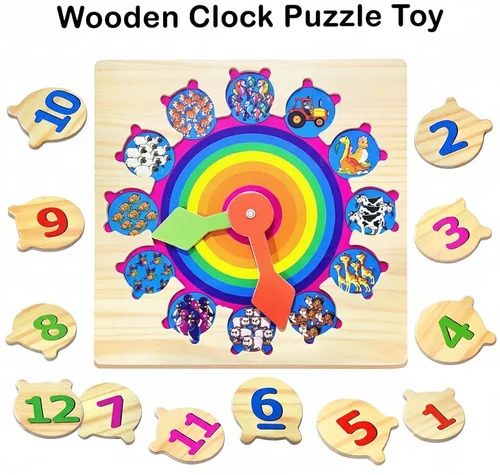
CLOCK TOY WOODEN
Price 120.0 INR
Minimum Order Quantity : 12
Age Group : 3+
Function : Learning to tell time, educational play
Dimensions : 10.5 Inch (in)
Color : WOODEN COLOR
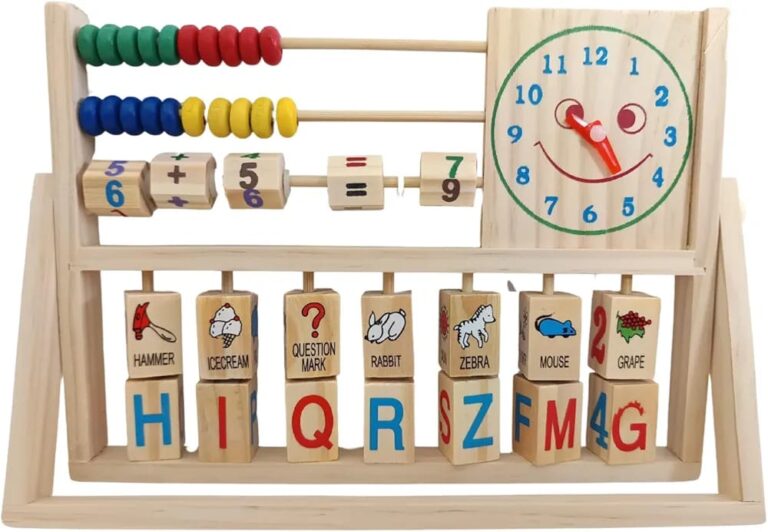
MULTIFUNCTION GAME
Price 180.0 INR / Piece
Minimum Order Quantity : 12 Pieces
Age Group : Children (3+ years)
Function : Multiactivity play (e.g., ring toss, ball toss, bean bag game, target practice)
Dimensions : Approx. 56 cm (H) x 39 cm (W) x 16 cm (D) Centimeter (cm)
Color : Multicolor (bright, assorted colors)
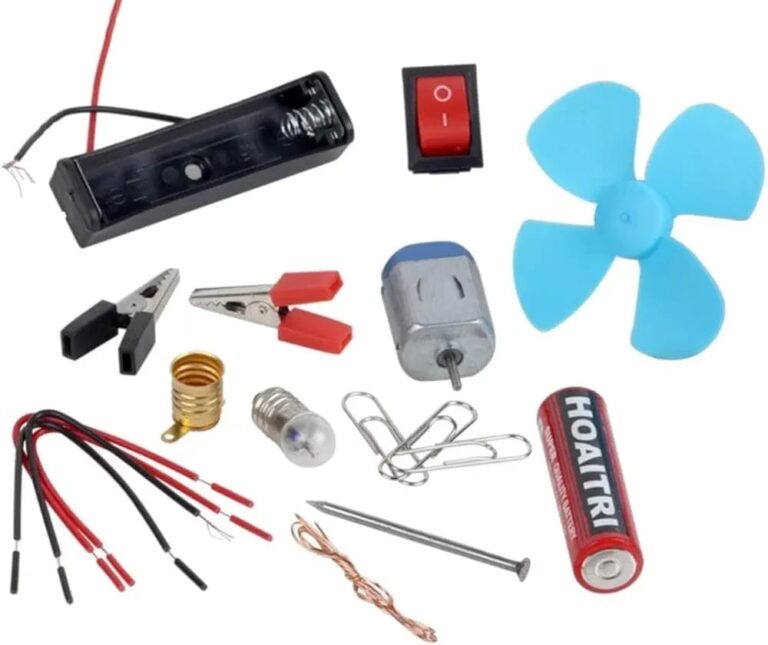
SCIENCE KIT
Price 65.0 INR / Piece
Minimum Order Quantity : 12 Pieces
Age Group : 8 Years & Above
Function : Educational Learning and Experimentation
Dimensions : 32 cm x 23 cm x 6 cm Centimeter (cm)
Color : Multicolor

Contact Details
DHANSAMRAT
GST : 27BRUPS2861M1ZR
- Shop No.266, Abdul Rehman Street, Masjid BunderMumbai - 400003, Maharashtra, India
- Phone :+917971891555 PIN:( 283 )
 Send Inquiry
Developed and Managed by Infocom Network Private Limited.
